CAD AI tracing: automatic vectorisation instead of manual tracing
Manual tracing over a raster image is the slowest part of any survey. AI tracing removes it while keeping metric control with the technician.
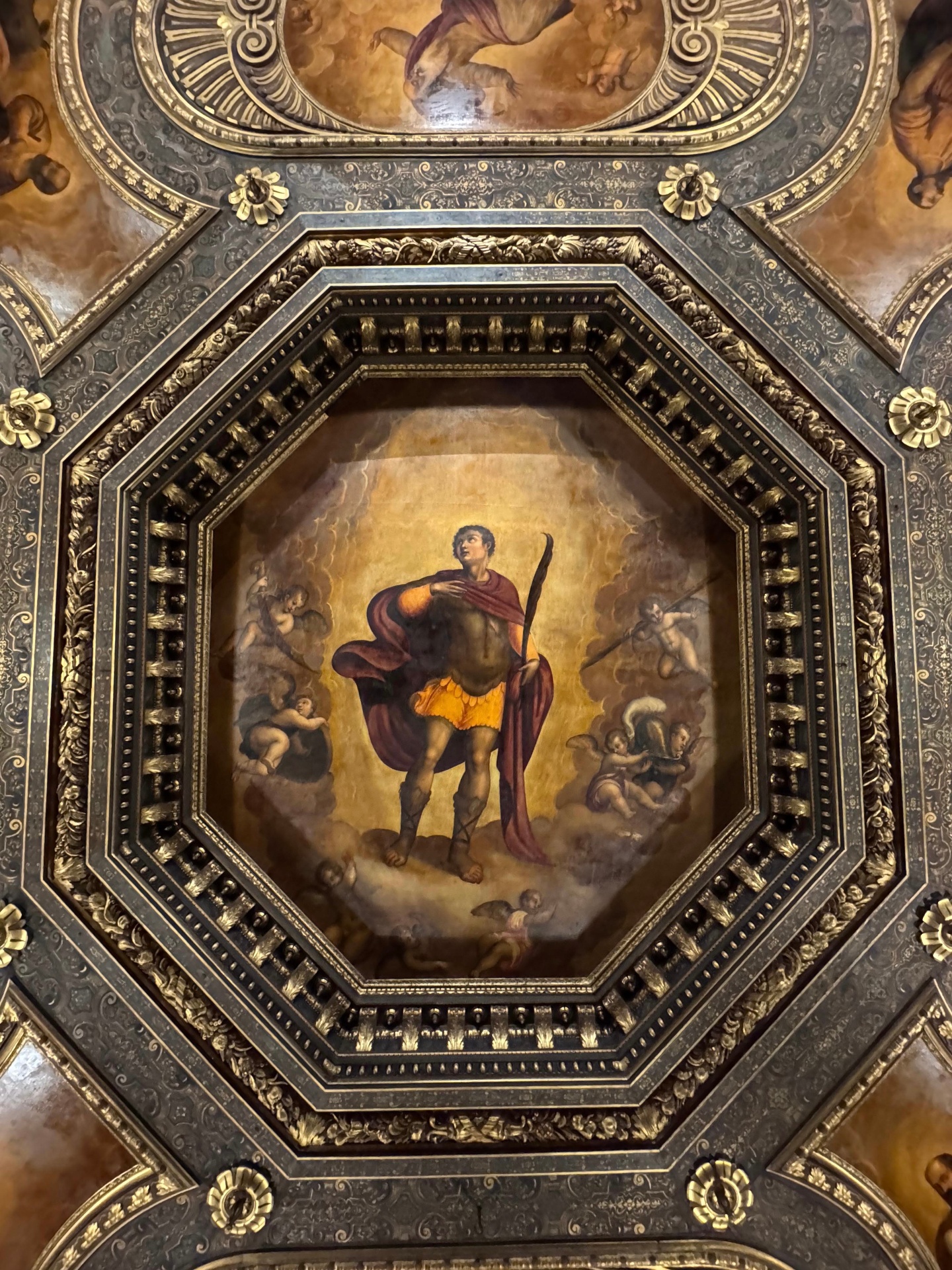
Source photograph
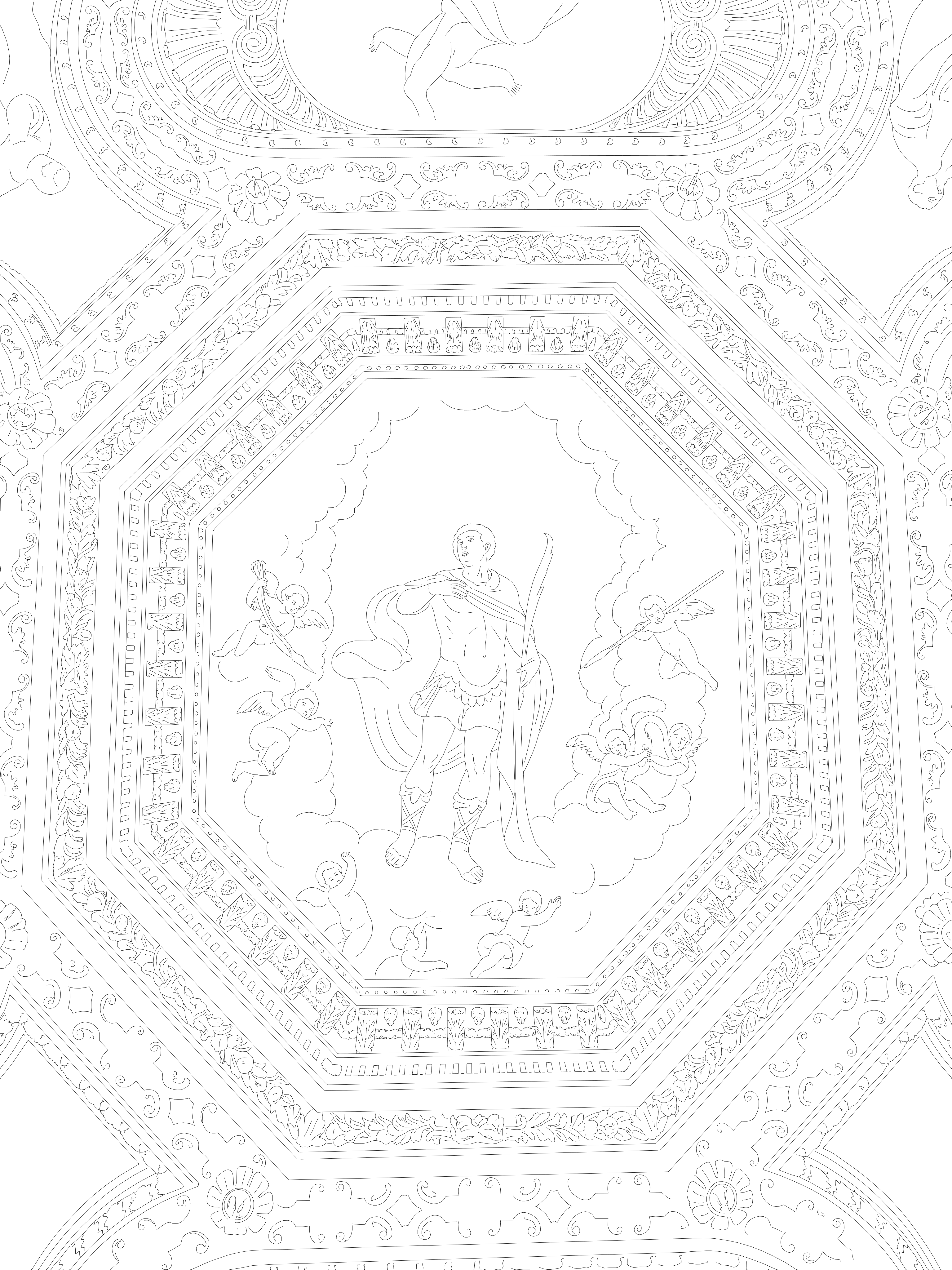
Vector output (SVG / DXF)
The tracing engine analyses the image, separates real geometric edges from photographic noise and texture, and produces clean vector polylines. You review and correct in your own CAD environment rather than redrawing from zero.
Because the drawing is rescaled server-side with a CAD-grade DXF writer, the exported file keeps a valid structure — no broken entities, no unreadable header, no failed AutoCAD import.
Typical uses: as-built elevation drawings, decay mapping bases, technical attachments for heritage permits, quantity take-off bases and CAD documentation of frescoes, mosaics, stucco and sculpture.
At a glance
- Edge extraction tuned for masonry, plaster and decorated surfaces
- Vector polylines ready for layering and dimensioning
- Server-side rescaling with a CAD-grade DXF writer
- Pay per conversion, no subscription
Questions
How is this different from a raster-to-vector filter?
Generic filters follow tone thresholds and produce decorative outlines. This pipeline targets built-surface geometry and outputs measurable CAD entities in real scale.
Does the AI replace the surveyor?
No. It removes the tracing workload; verification, correction and metric validation stay with the professional who signs the drawing.
Related conversions
Prova CVCAD sul tuo prossimo rilievo
Registrati e ricevi 1 conversione gratuita: carica una foto e scarica un DXF già in scala millimetrica.