Image to CAD converter: JPG, PNG and TIFF to DXF and SVG
Turn any raster image — JPEG, PNG or TIFF — into vector CAD geometry you can edit, layer and dimension.
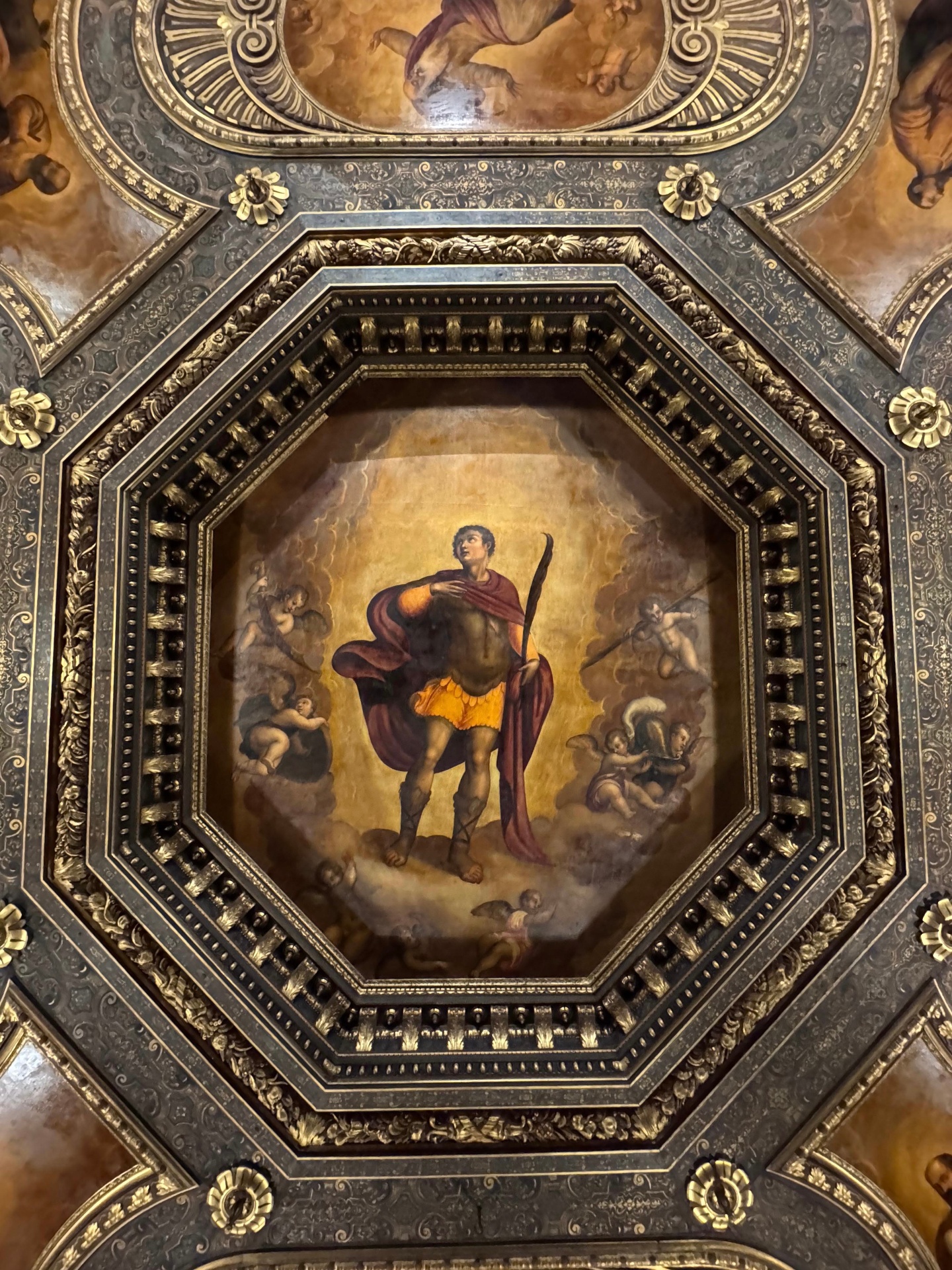
Source photograph
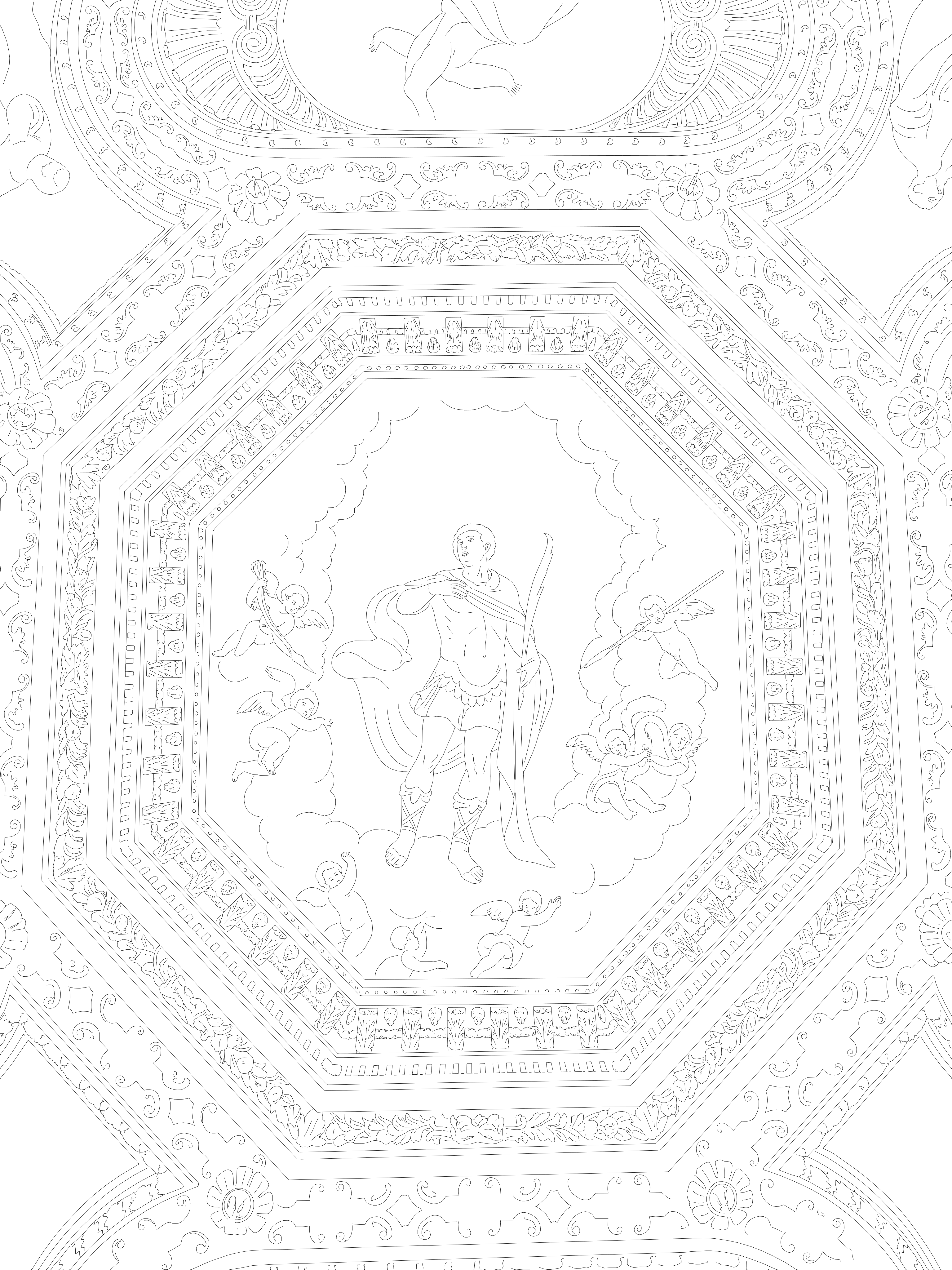
Vector output (SVG / DXF)
CVCAD accepts JPG, PNG and TIFF files up to 40 MB, including high-resolution scans of drawings and plates, rectified photoplans and photogrammetric orthophotos. The AI tracing engine extracts a high-resolution line-art layer and converts it into continuous vector paths.
Unlike generic raster-to-vector filters, the pipeline is tuned for built surfaces: masonry courses, mortar joints, cornices, openings, plaster edges and decorated surfaces. The result is a drawing a surveyor can verify rather than a decorative outline.
Downloads include the SVG, the DXF and the intermediate raster line-art as visual reference. Scale is applied server-side after calibration, so the DXF stays structurally valid.
At a glance
- JPEG to CAD, PNG to CAD and TIFF to CAD in one workflow
- Vector output as polylines, not embedded bitmaps
- Optional spatial coordinates for georeferenced insertion
- Files kept for 5 days in a private, per-user store, then deleted
Questions
Can I convert a TIFF scan of an old drawing?
Yes. High-resolution scans of drawings and plates are supported up to 40 MB; higher contrast between line and background gives cleaner vector output.
Do you keep my images?
Uploads and results live in a private per-user store for 5 days, are served through expiring signed links, and are then permanently deleted.
Related conversions
Prova CVCAD sul tuo prossimo rilievo
Registrati e ricevi 1 conversione gratuita: carica una foto e scarica un DXF già in scala millimetrica.